
Help Center
How do I set up my art files? What are your File Specifications?+
- Flatten all Objects/Gradients/Swatches/Symbols/Special Effects/Transparencies
- Outline all text
- Flattened PDF (Single Page) or JPEG file types only
- Remove all crop marks/bleed otherwise they will be printed
- File must be the same exact size as what is ordered (exception is Gallery wrap Fold Edge and Products with templates)
- CMYK only (we do not print Pantone/5th/Spot/RGB)
- 150 dpi
- If using a template, the file uploaded to our site should match the exact "template size" (different than "graphic size").
- Do not scale template files, just flatten them and save at 150 dpi
- Files over 200" can be scaled
Under 300 mb for upload ***Remove EVERYTHING from your file that you do not want printed on the final product - especially hidden layers and template guidelines.
Make sure all objects are embedded and flattened (we do not print Non-Native Art).
- If the file is made in Indesign, please flatten the file in Illustrator or Photoshop and export to a JPEG ONLY as we don't recommend using Indesign at our facility.
If using Compound Paths to create transparencies/shapes, please completely rasterize or flatten them into the file or they may print incorrectly.
We do not have specific measurements for Panel jobs. If you are printing in Panels, please make sure you are providing a minimum of 1" overlay in your files.
- Design on a layer on top of our template
- Once the design is made, delete the entire layer that includes the blue space/text/guidelines we provide or else they will be printed
- Flatten all objects/transparencies/gradients/swatches and outline all text
- Save the file as a flattened PDF or JPEG full size at 150 dpi
The size of the file uploaded to the website should be exactly the same size as the template was provided, including the artboard (white) space in the file
Our template is used as a guide or reference to show general placement of logos/graphic elements
- We print on white material, if you leave an area blank it will print white
- For Advertising Flags, leave a safety margin of at least 2" from all edges to prevent text from being cut off/hemmed over. If you have any questions about file set-ups, please contact us via phone 1-888-739-8501or email at info@b2sign.com .
Should I remove Hidden Layers in my artwork?+
How do I submit multiple artworks for a single B2Sign order?+
What file types does B2Sign accept?+
What file specifications does B2sign recommend for fast processing?+
Should I include any fonts with my files?+
Do I need bleed or crop marks for my files?+
My pdf file contains transparencies, will it print ok?+
What is the difference between raster and vector?+
Does B2sign print borders?+
What is overprint, and how can it ruin my file?+
What settings should I create my PDF in Adobe Illustrator?+
Flag Templates+
Safety Margin: Please keep important graphic content within the inner line. If you do not follow the template your order may be placed on hold.
Pole Placement: Please refer to the Product picture of each flag to see the placement of the pole on the print. Design your artwork accordingly, and match your artwork to the flag template(s) shape. See Templates Below:(Template User Guide)
| Flag | Size |

|
Photoshop |
|---|---|---|---|
Angled  | X-Large | ||
| Large | |||
| Medium | |||
| Small | |||
Convex  | X-Large | ||
| Large | |||
| Medium | |||
| Small | |||
Teardrop  | X-Large | ||
| Large | |||
| Medium | |||
| Small | |||
Rectangle  | Large | ||
| Medium | |||
| Small | |||
Econo  | Medium |
Table Cover Templates+
| Table Throw | | Photoshop |
|---|---|---|
6ft Table Cover

| ||
8ft Table Cover

| ||
4ft Table Cover

| ||
6ft Stretch Table Throw

| ||
8ft Stretch Table Throw

|
Trade Show Product Templates+
| Trade Show Products |
|
Photoshop | Trade Show Products |
|
Photoshop |
|---|---|---|---|---|---|
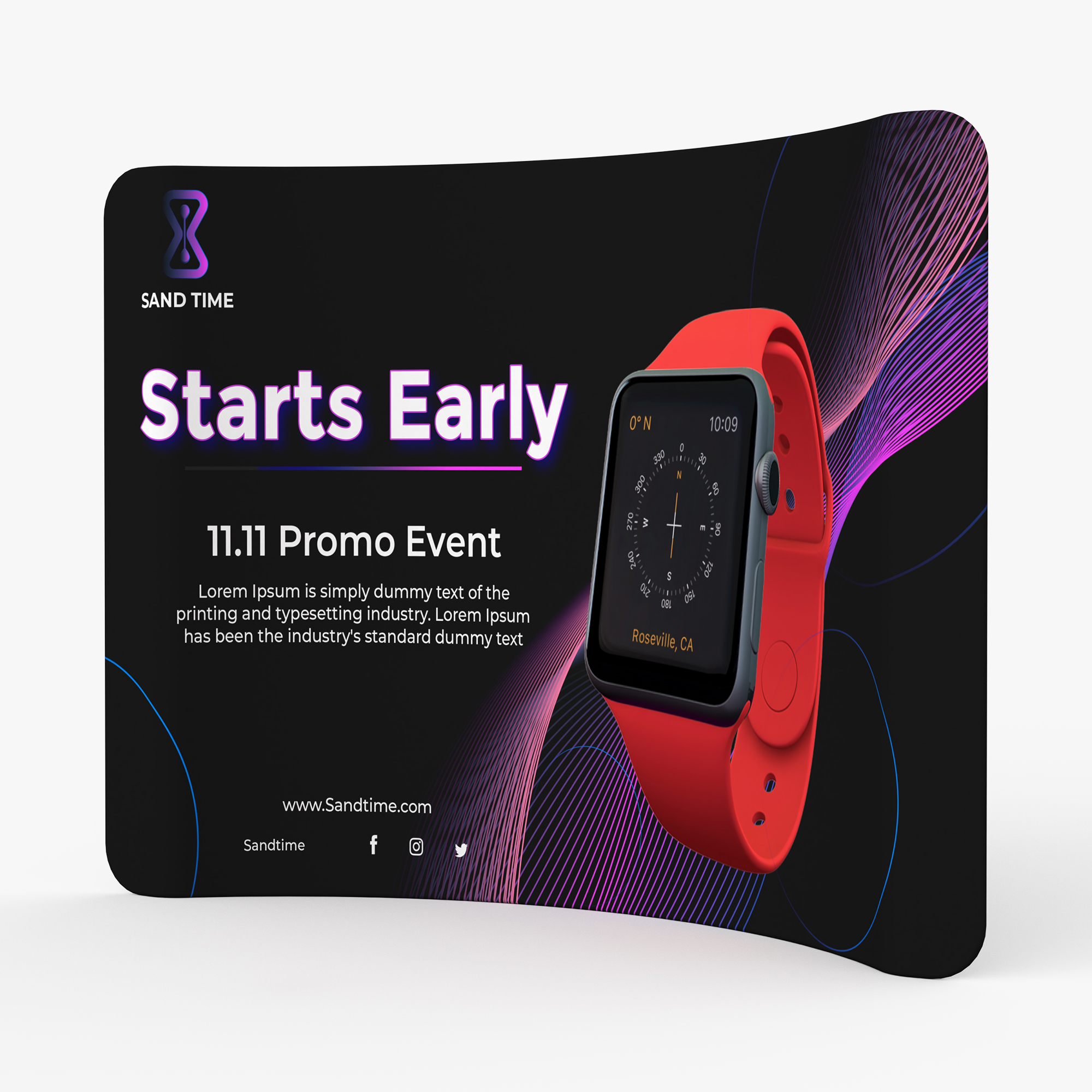 Tension Fabric Display Curve Shape | 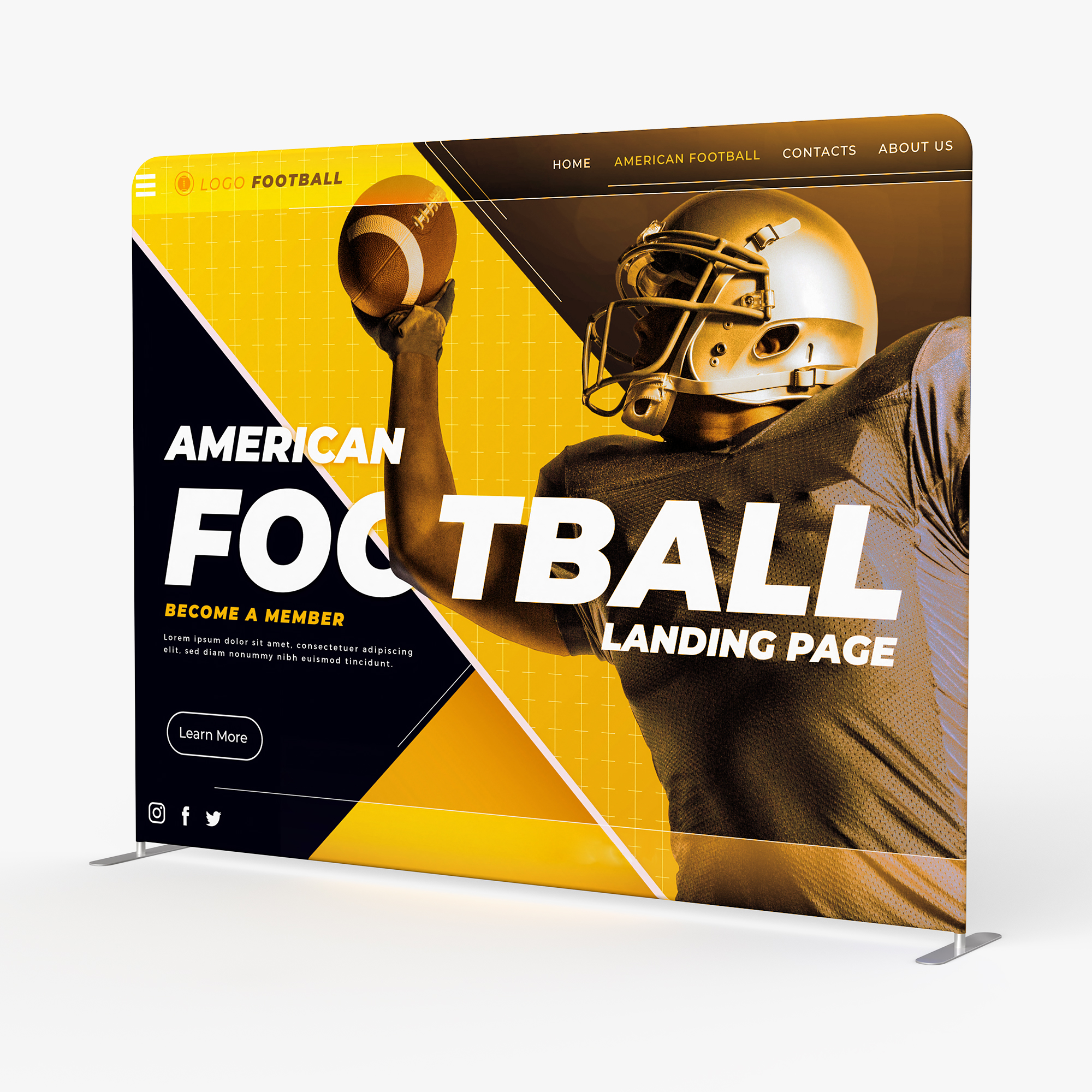 Tension Fabric Display Straight Shape | ||||
 Velcro Fabric Pop Up Display Curve Shape | 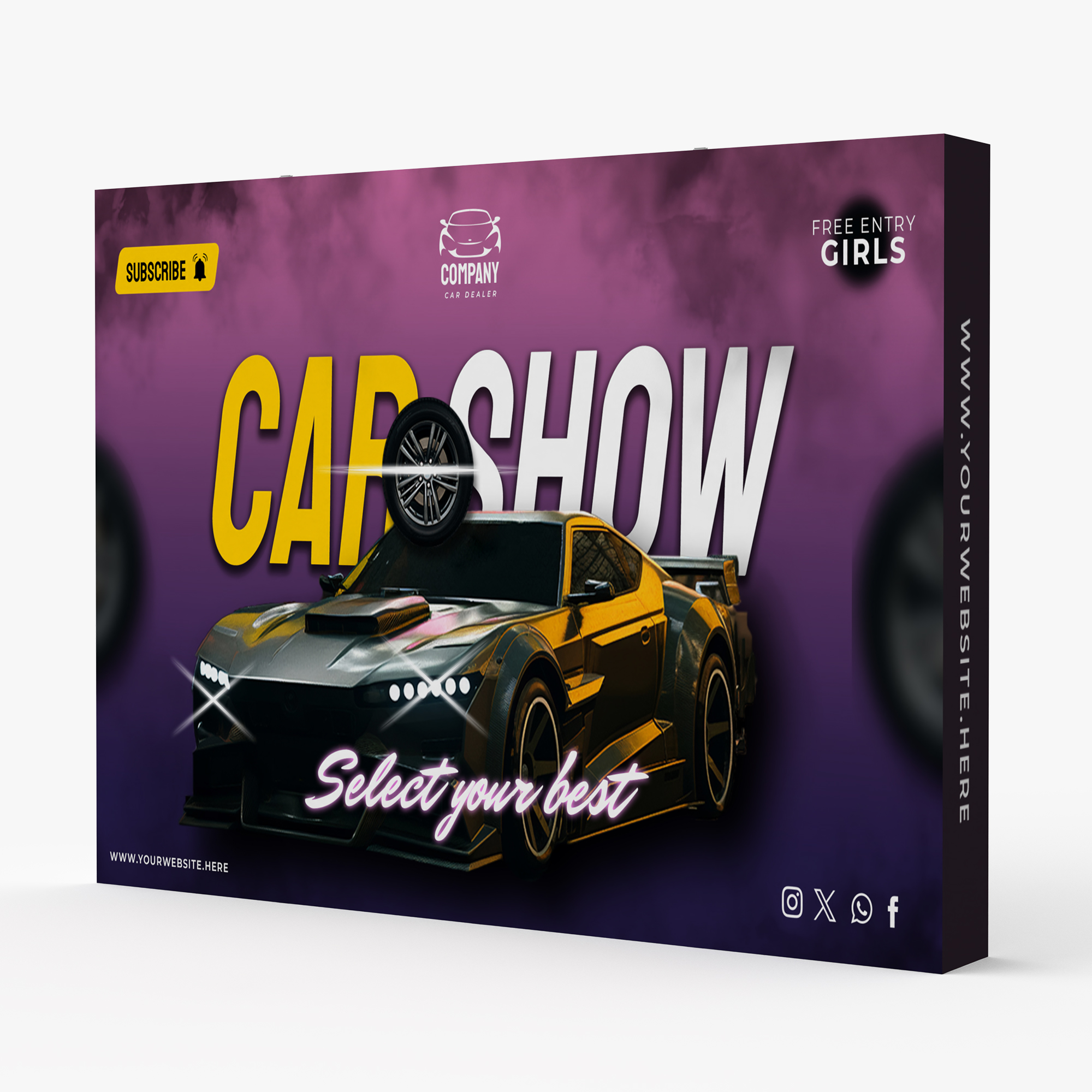 Velcro Fabric Pop Up Display Straight Shape | ||||
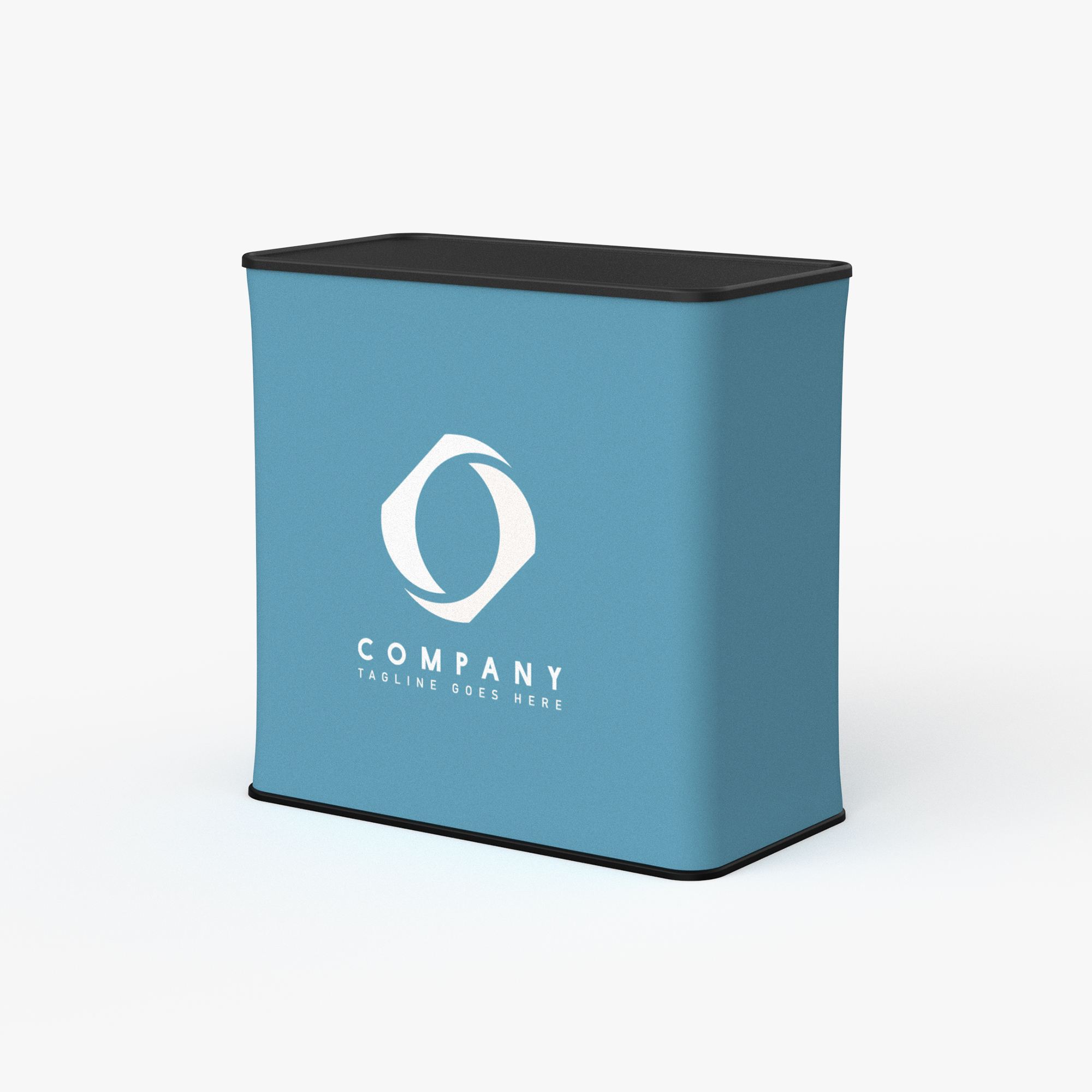 Podium |
Event Tent Templates+
| Custom Event Tents | | Photoshop | Event Tent Walls | | Photoshop |
|---|---|---|---|---|---|
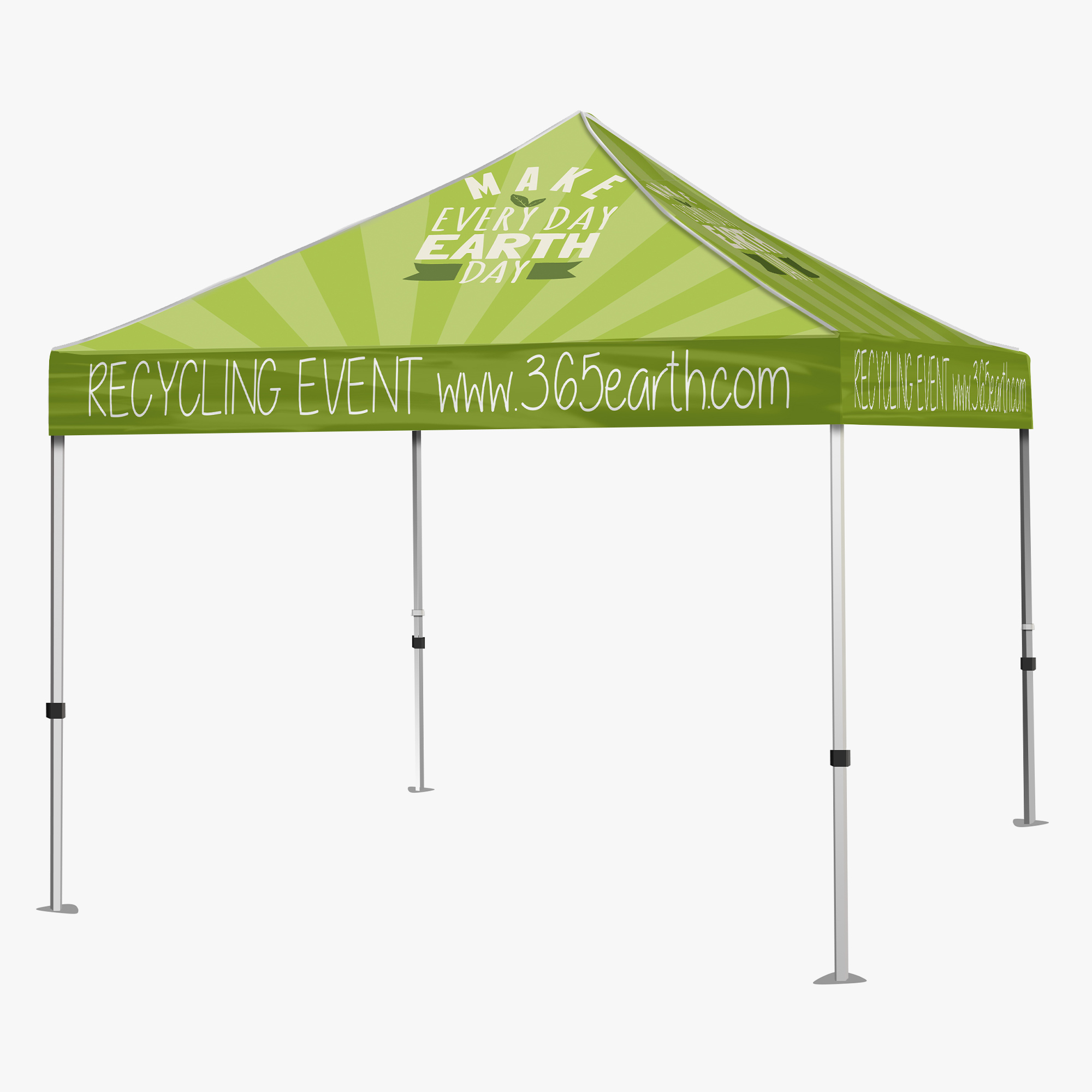 10ft Event Tent | 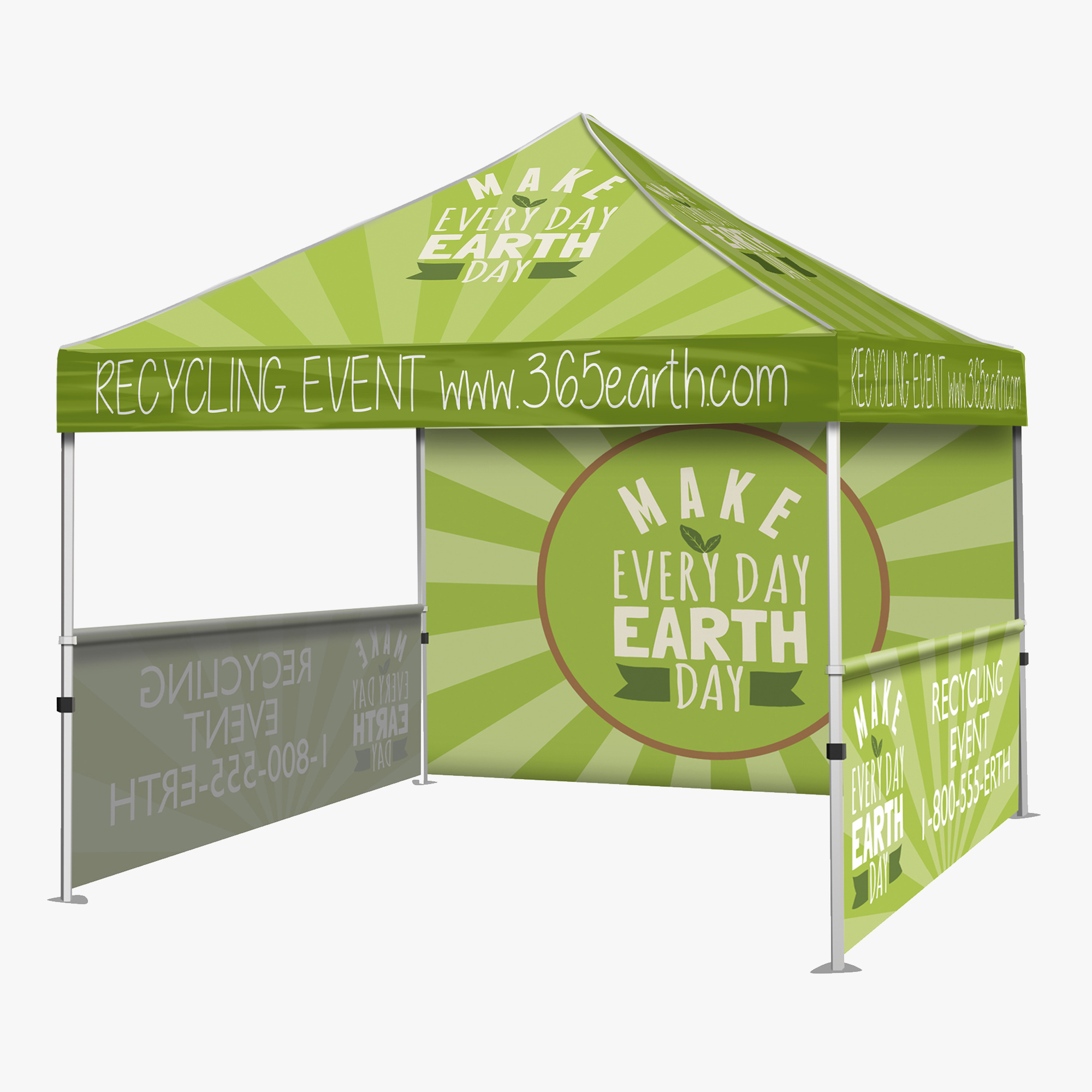 10ft Tent Walls | ||||
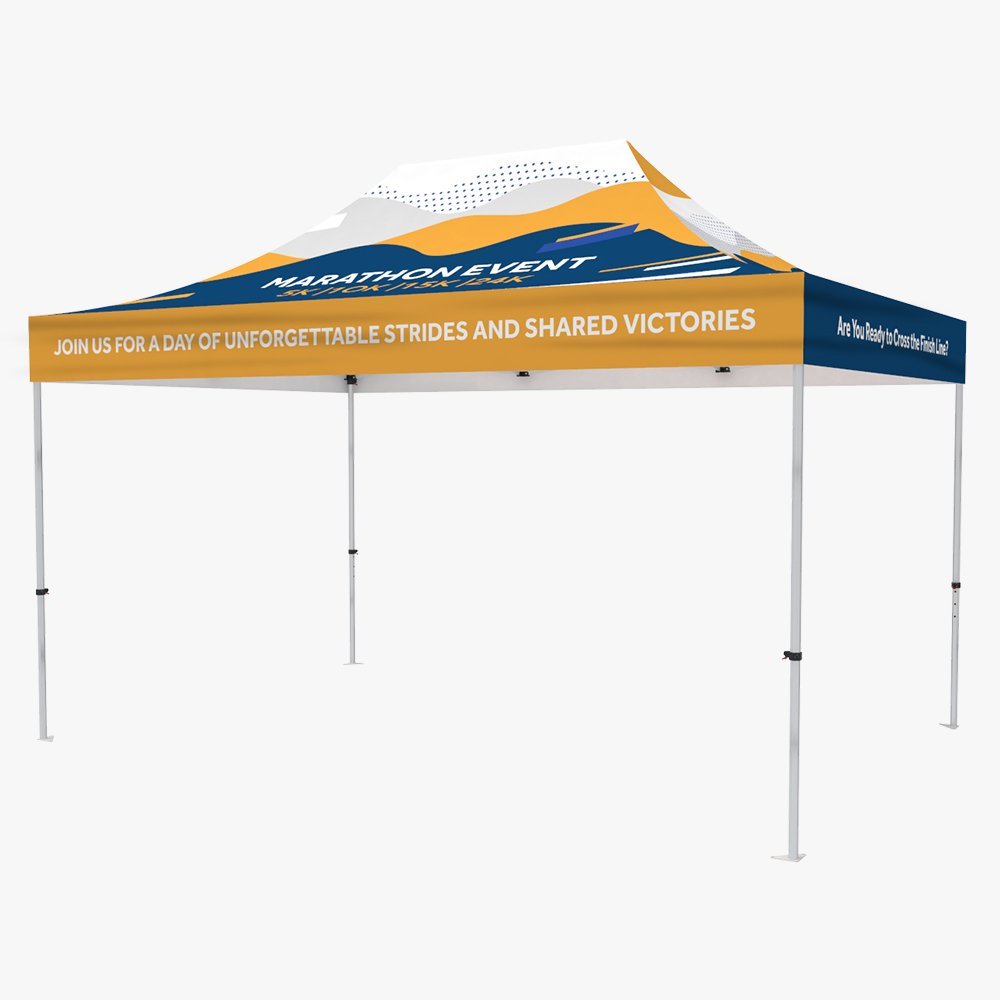 15ft Event Tent | 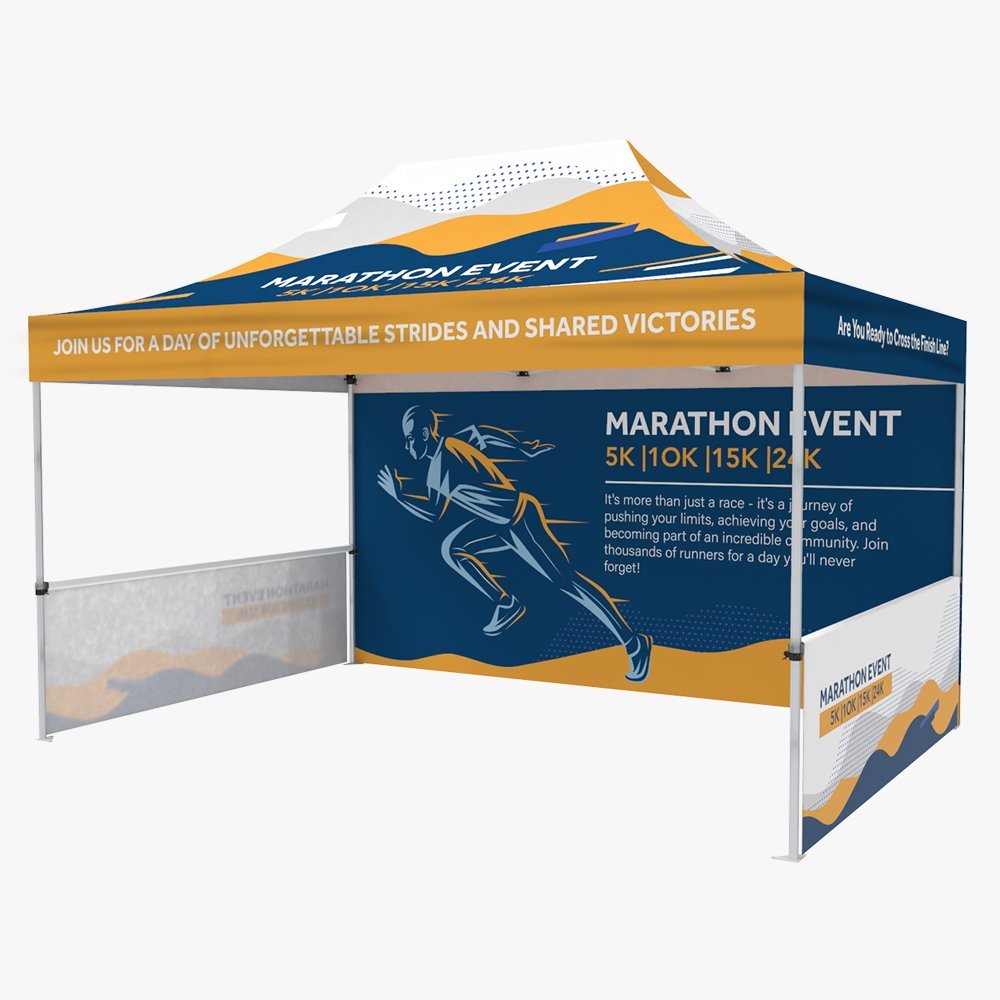 15ft Tent Walls | ||||
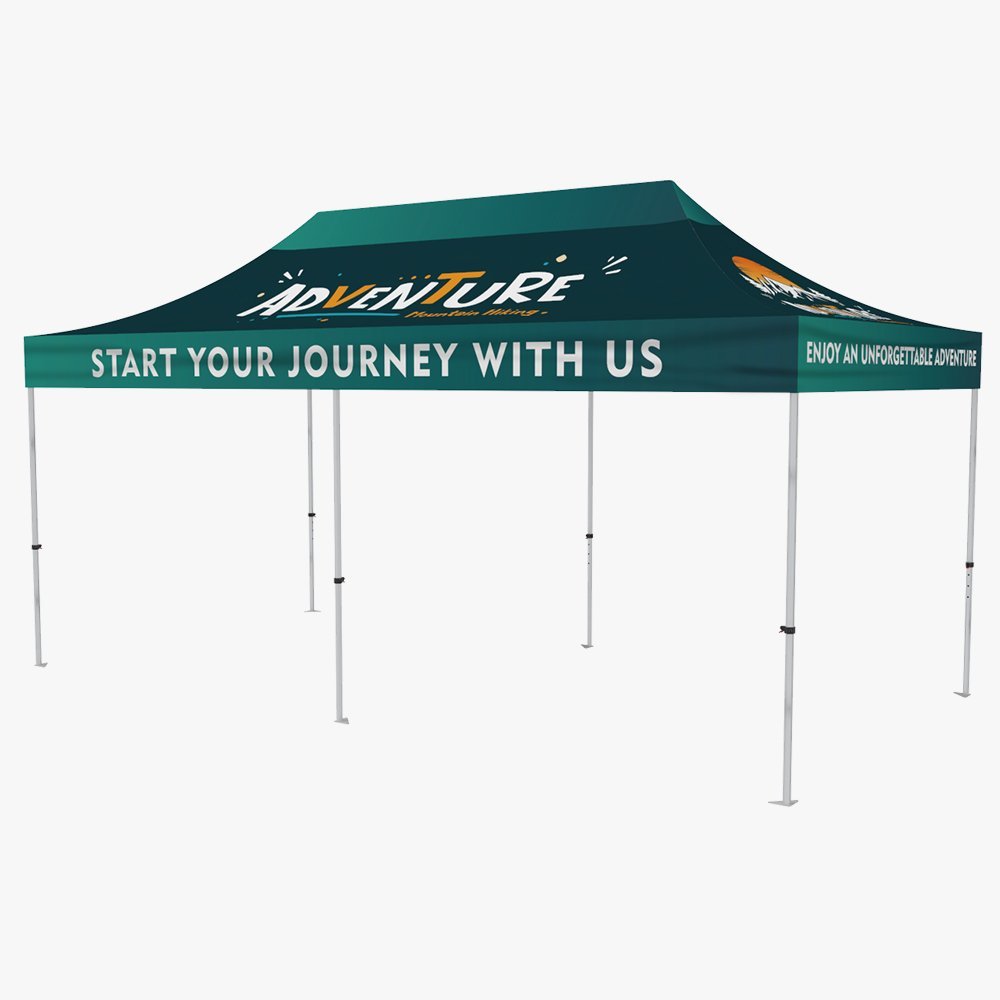 20ft Event Tent | 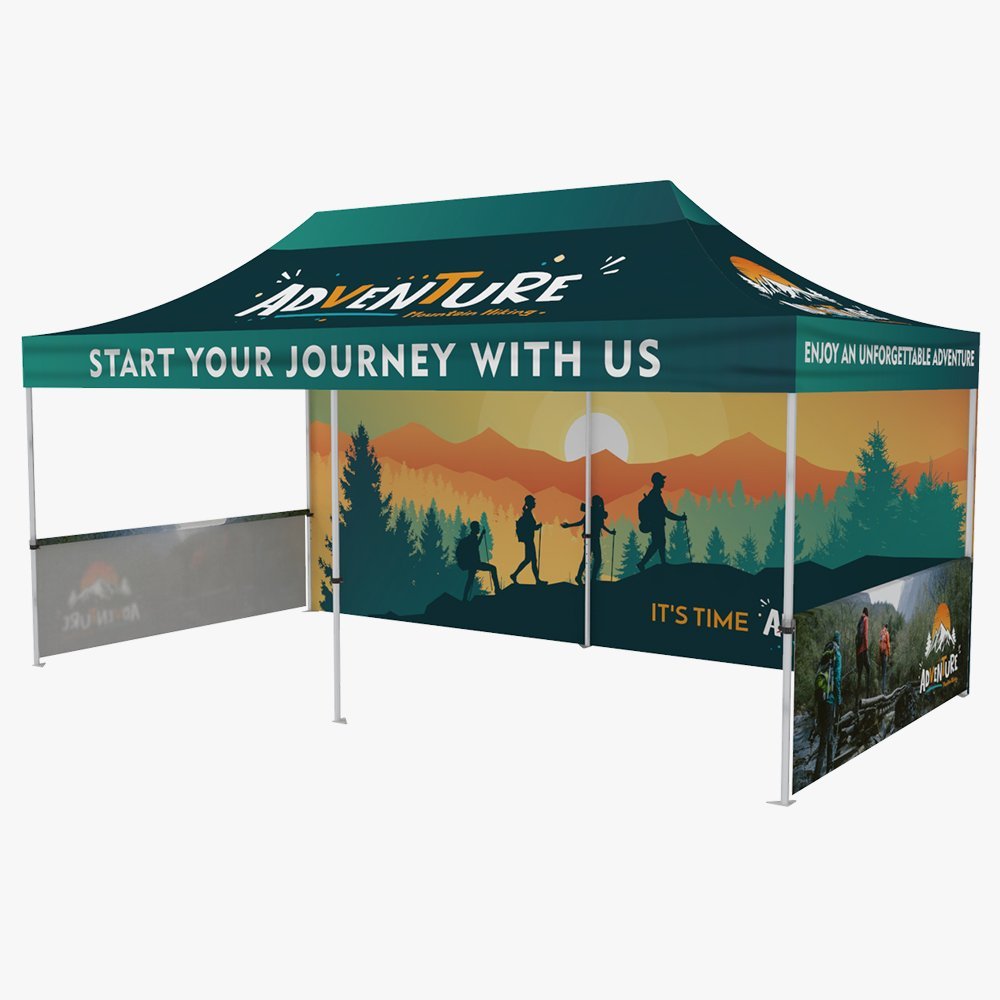 20ft Tent Walls | ||||
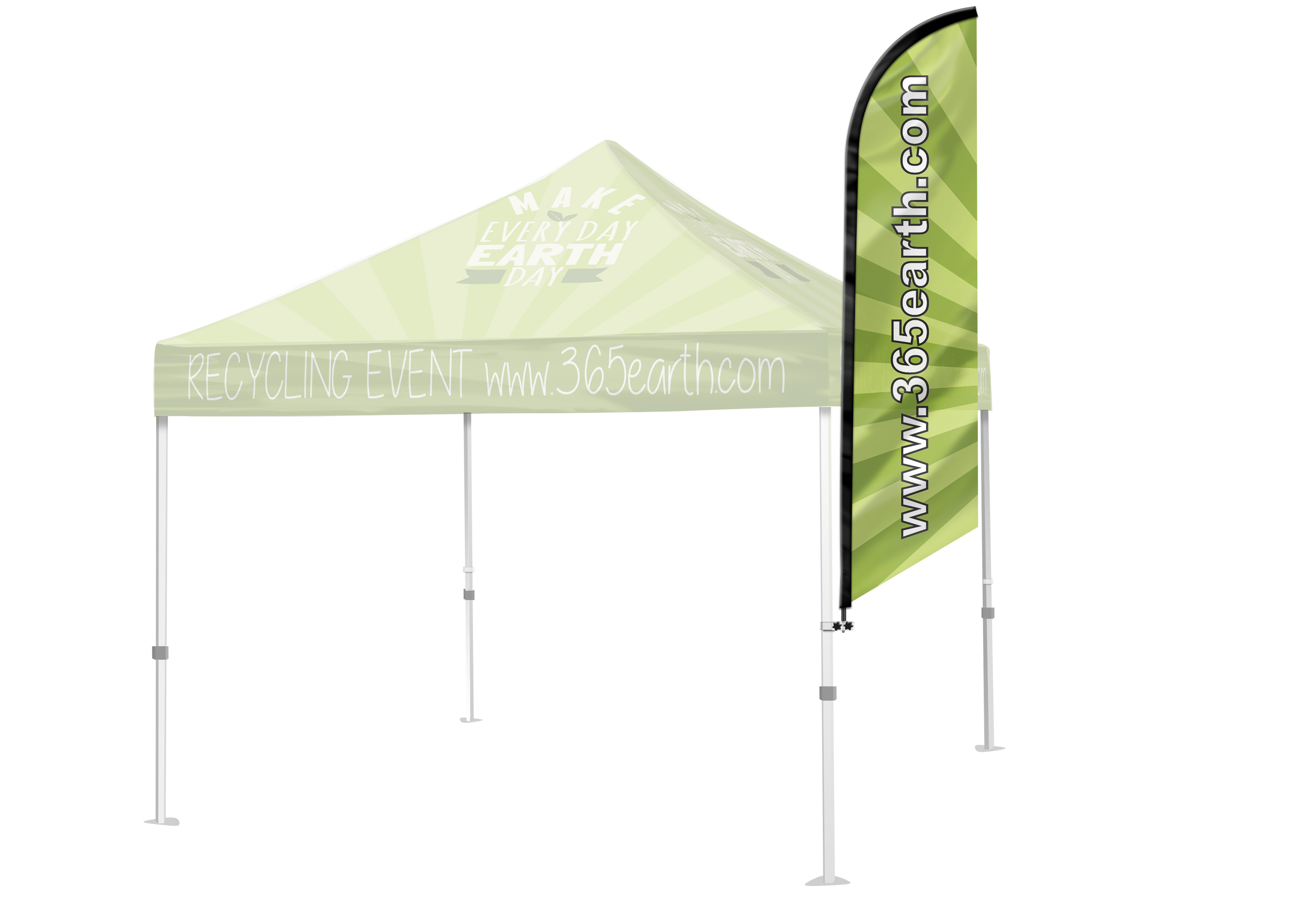 Tent Flag (Feather) | 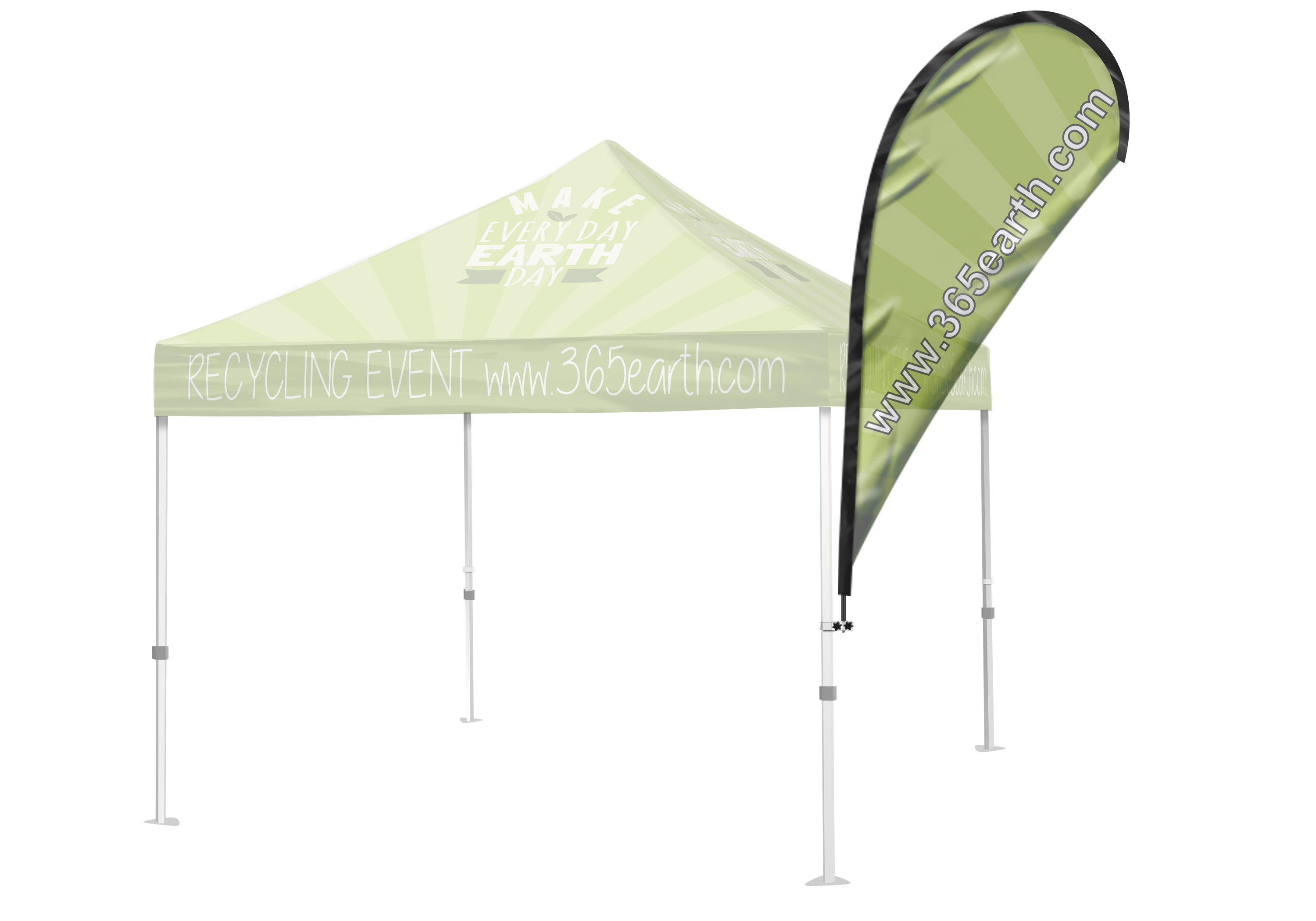 Tent Flag (Teardrop) |
Tension Fabric Stand Templates+
| Tension Fabric Stand 36"x90" | | Tension Fabric Stand 48"x90" | |
|---|---|---|---|
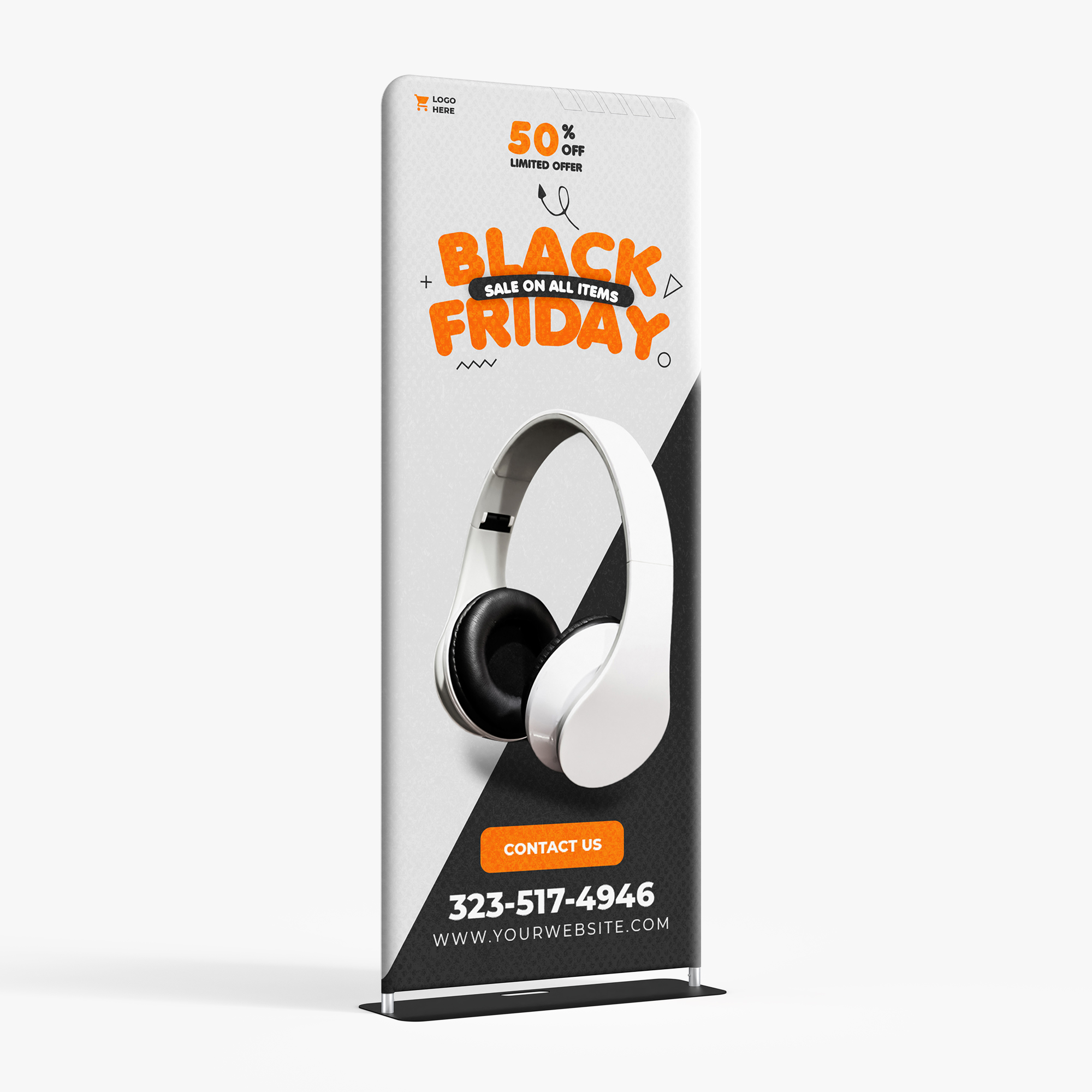 36"x90" |  48"x90" |